Release of proVconnect 2.39
We are pleased to announce the release of the new version of proVconnect 2.39.
This update is part of a dual approach: functional enhancements and progressive modernization of the user interface.
Below is a detailed overview of the main new features and improvements.
Managing installed applications across an IT environment is a key challenge for IT teams, both for security and version control.
This new version introduces a dedicated “Applications” menu providing a centralized and immediately actionable view.
•View installed applications
•Display versions
•Identify available updates
•Direct update deployment
•Optional display of Microsoft Store applications
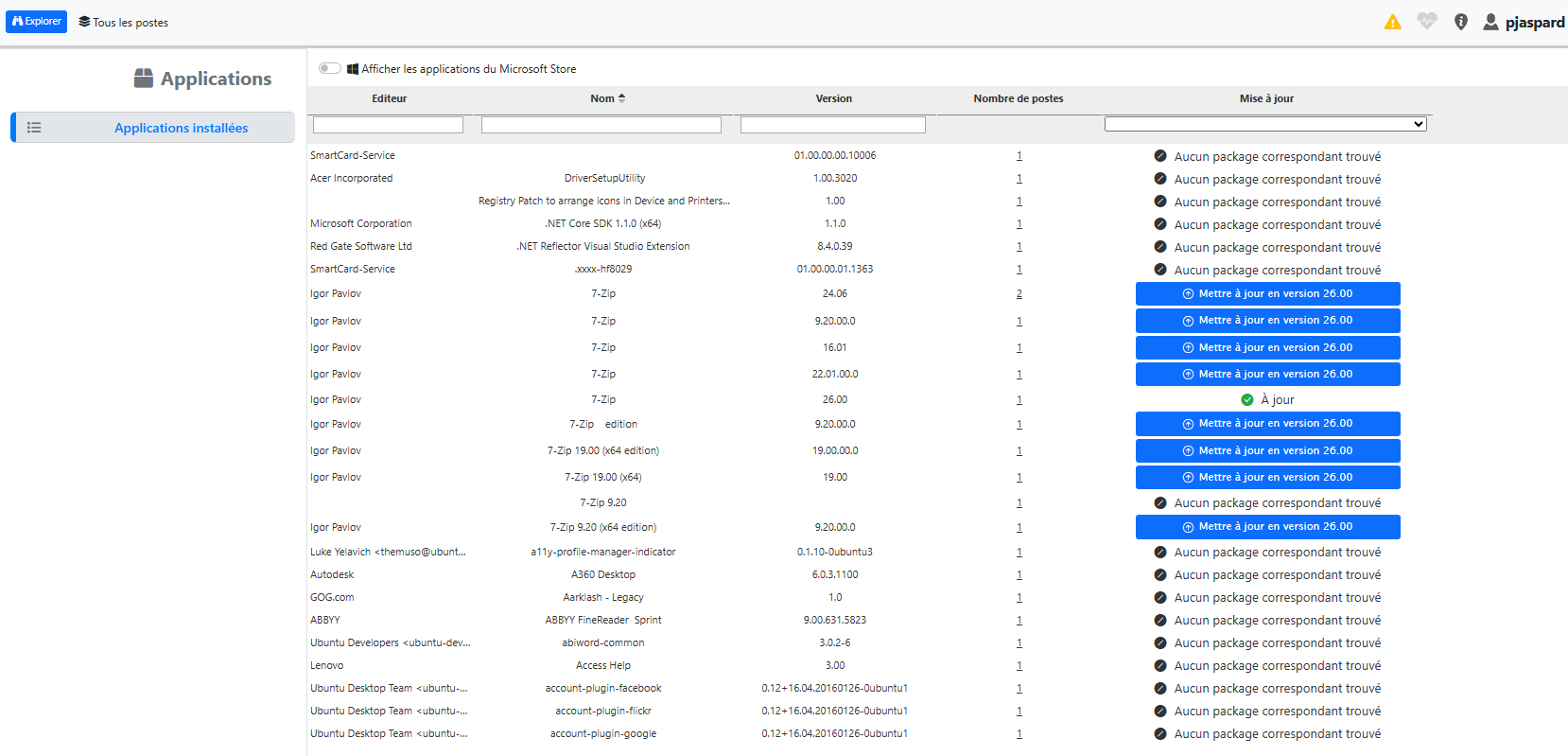
Simplified application patch management
Endpoint monitoring is at the core of proVconnect. This version simplifies rule configuration and further automates corrective actions.
•Faster configuration
•Automated remediation
•Reduced manual intervention
•Improved responsiveness to incidents
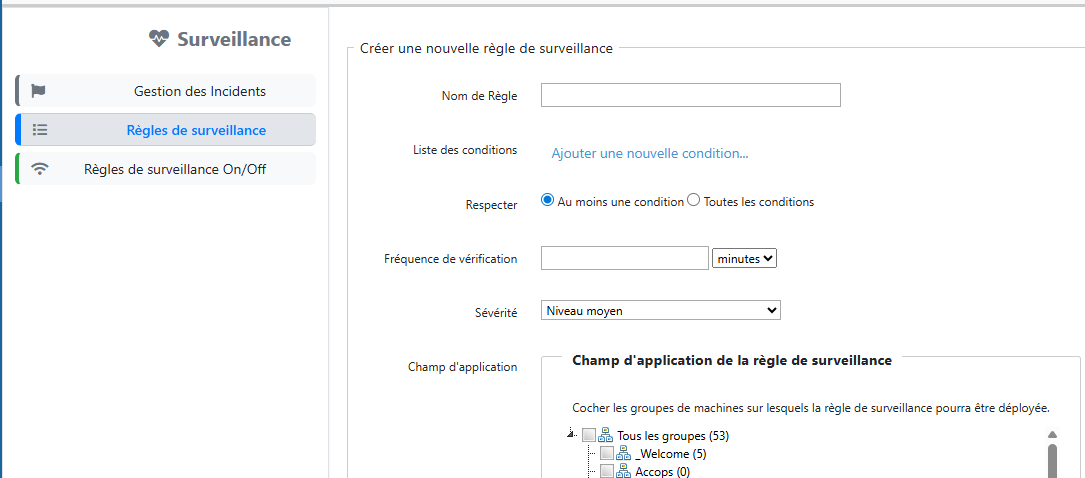
Smarter and more autonomous monitoring
The Package Builder evolves to better support modern environments.
•Added support for Windows 11
•Improved deployment compatibility
•Enhanced control of target environments
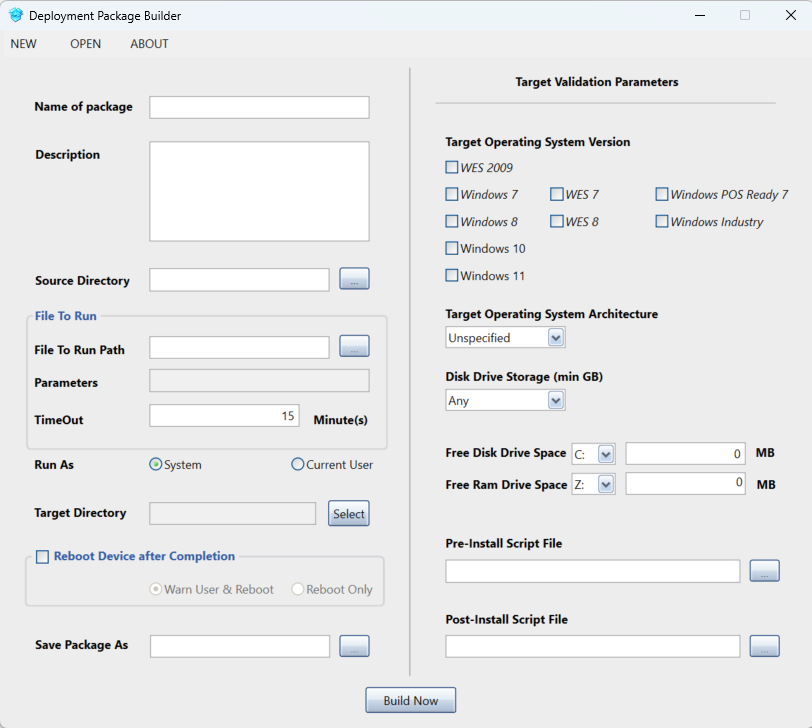
Better-controlled deployments
This version marks the beginning of a broader UI modernization initiative.
•Modernized menus
•Smoother navigation
•More readable interface
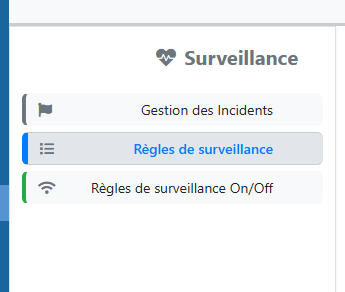
A more intuitive user experience
Automation capabilities are enhanced with improved script management.
•Multi-line script support
•Simplified execution
•Compatible with batch, PowerShell, etc.
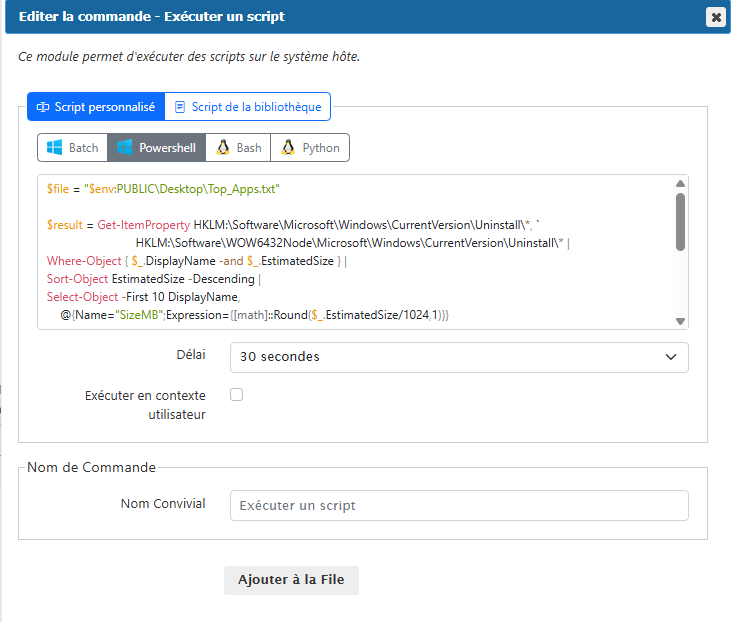
More power to automate IT tasks
proVconnect now provides an API to access key data:
•Inventory
•Compliance
•Incidents
•Groups and devices
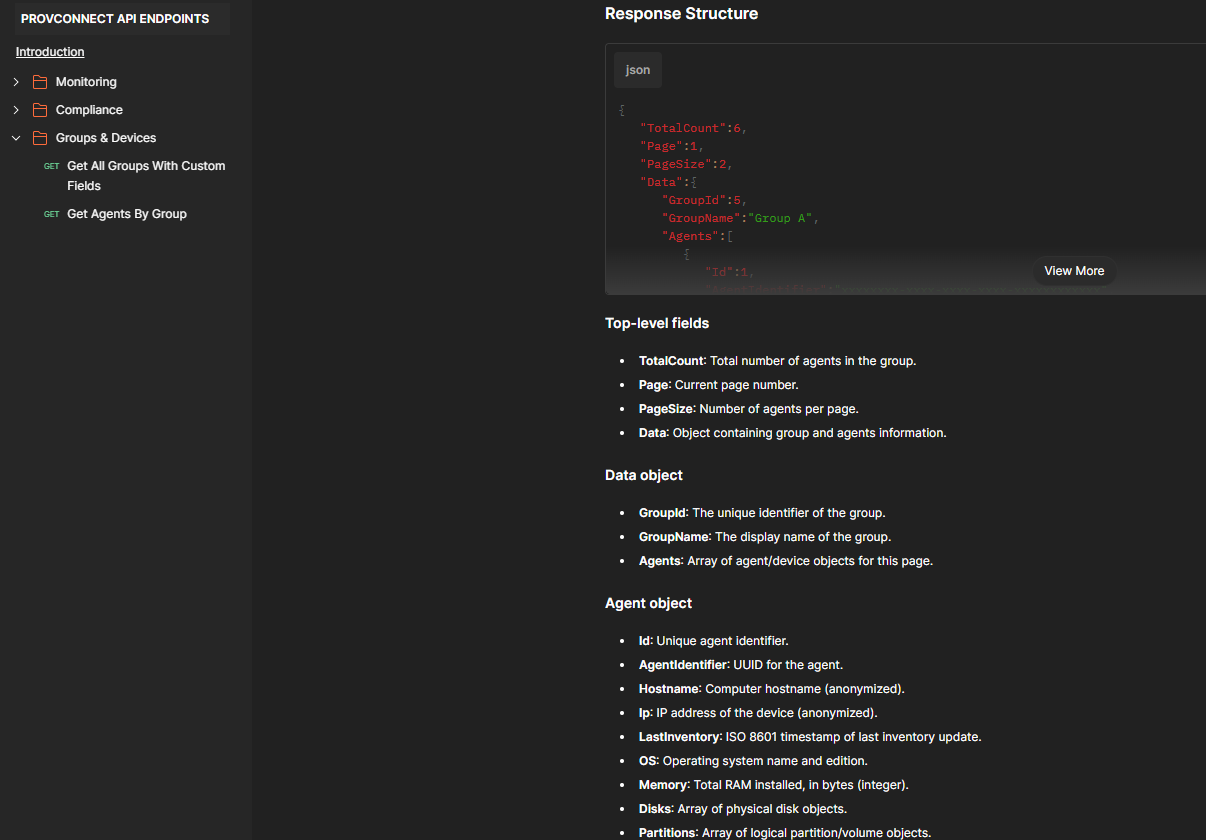
Advanced integrations and automation
A visual indicator has been added to inform users when their session is being remotely controlled.
•Red frame around the screen
•User transparency
•Enhanced compliance (GDPR)
Enhances user trust
With version 2.39, proVconnect continues to evolve to simplify IT management, automate critical tasks, and enhance the user experience.
We remain attentive to your feedback for future improvements.